Best AI Agents for Business: 10 Picks Worth Using in 2026
A practical guide to the best AI agents for business — what each one does, who it suits, and how to choose on workflow, integrations, security, and cost.
Most best AI agent lists skip the only question that matters: will this agent work inside your business? The most impressive demo rarely answers that. A system that drafts a polished report can still fail when it encounters duplicate CRM records, restricted documents, or an expired app connection.
The best AI agents for business fit the systems, data, and budget you already have. Evaluate them against these criteria:
- Workflow fit: Can the agent complete a useful job, including exceptions and human handoffs?
- Integration depth: Can it read and update the right records with appropriate permissions?
- True cost of ownership: What will you spend on usage, implementation, monitoring, and correcting mistakes?
Enterprise deployment is still uneven. In McKinsey's 2025 global survey, 62% of respondents said their organizations were at least experimenting with AI agents, while no individual business function had more than 10% reporting scaled agent use.
That's a reason to buy carefully, not to avoid agents. Start with a bounded workflow whose success you can verify.
The choices below follow deployment reality rather than a universal ranking: a featured cross-stack assistant, ecosystem-centered platforms, build-your-own automation platforms, and ready-made customer-service agents. Shortlist within the category that matches how your team already works. Don't migrate your operating model just to accommodate an attractive demo.
Table of Contents
- 1. Zenfox.ai
- 2. Microsoft Copilot Studio
- 3. Salesforce Agentforce
- 4. Google Gemini Enterprise Agent Platform
- 5. CrewAI
- 6. UiPath
- 7. Zapier Agents
- 8. n8n
- 9. HubSpot Breeze Customer Agent
- 10. Intercom Fin
- 11. Zendesk AI Agents
- 10 business AI agents compared at a glance
- How to Choose and How to Get Your Own Agent Noticed
1. Zenfox.ai
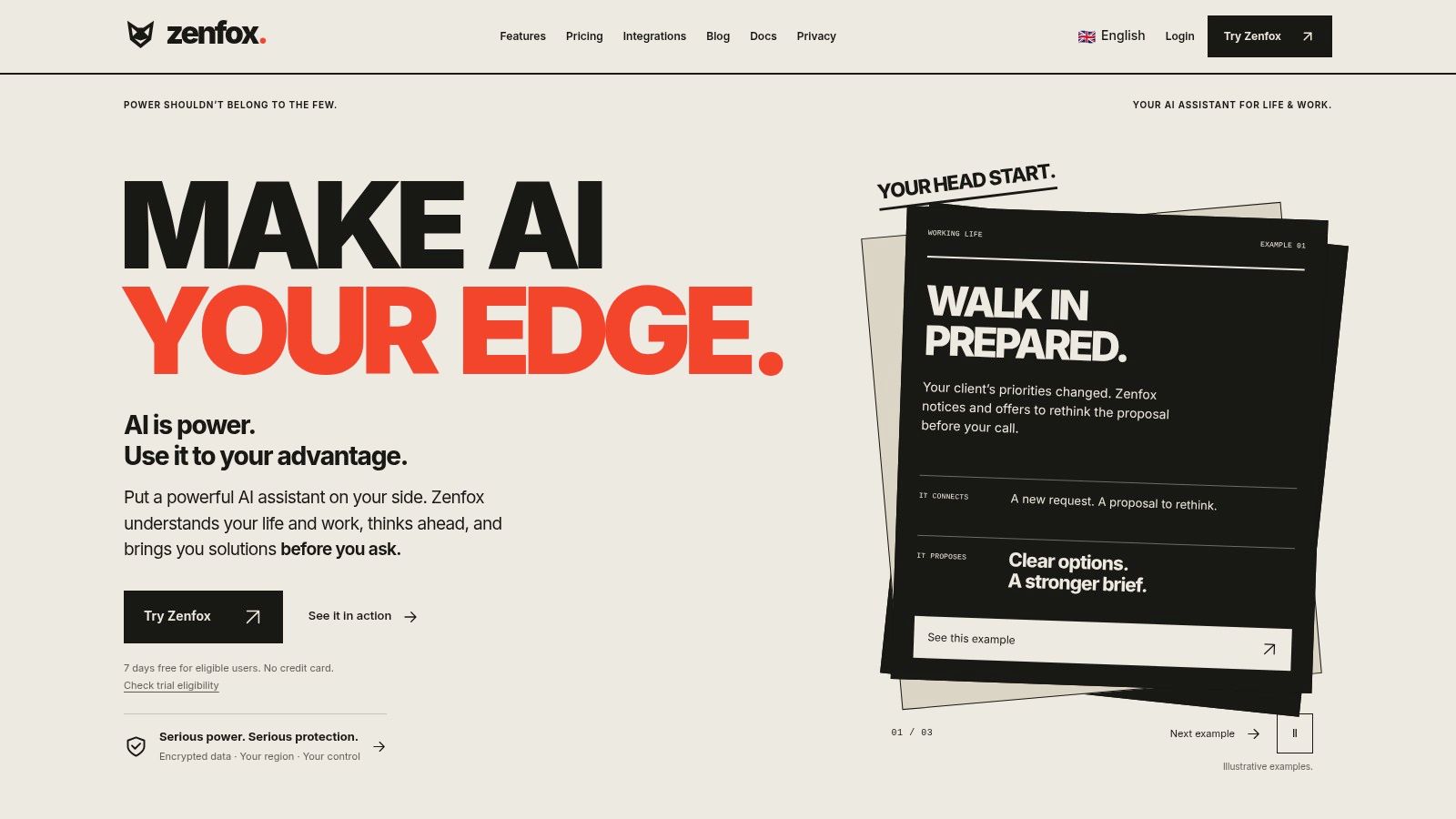
Deployment reality: Cross-stack assistant for teams that want less workflow building.
Zenfox.ai belongs on the shortlist when work is scattered across Gmail, Slack, HubSpot, and Drive. Its AI agents for business combine connected business context with action-taking, rather than stopping at answers in a chat window.
You describe a goal in plain English, and Zenfox creates workflows to pursue it. Relevant jobs include sending follow-up emails, updating CRM records, preparing recurring reports, and producing competitive briefings.
Where the breadth helps
The useful distinction is context across applications. A follow-up becomes more relevant when the assistant can connect an email conversation with a client record and project documents.
Zenfox also offers document search, research, topic monitoring, API connections, and generated automations. Access through messaging channels can make delegation convenient, but the important question is whether the agent completes the underlying task correctly.
- Best fit: Founders and operations teams handling recurring coordination across connected apps.
- Standout capability: Combining information retrieval with execution, so finding context and acting on it aren't separate jobs.
- Main trade-off: Broad access makes permission design and action review more important, not less.
Start with report preparation or draft follow-ups before allowing unattended external messages. Inspect the activity log and test what happens when customer information conflicts across systems.
Treat generated automations as production software: review their behavior, confirm failure alerts, and establish who maintains them. Ask for current security documentation and deployment terms rather than treating a certification label as sufficient evidence for your requirements.
2. Microsoft Copilot Studio
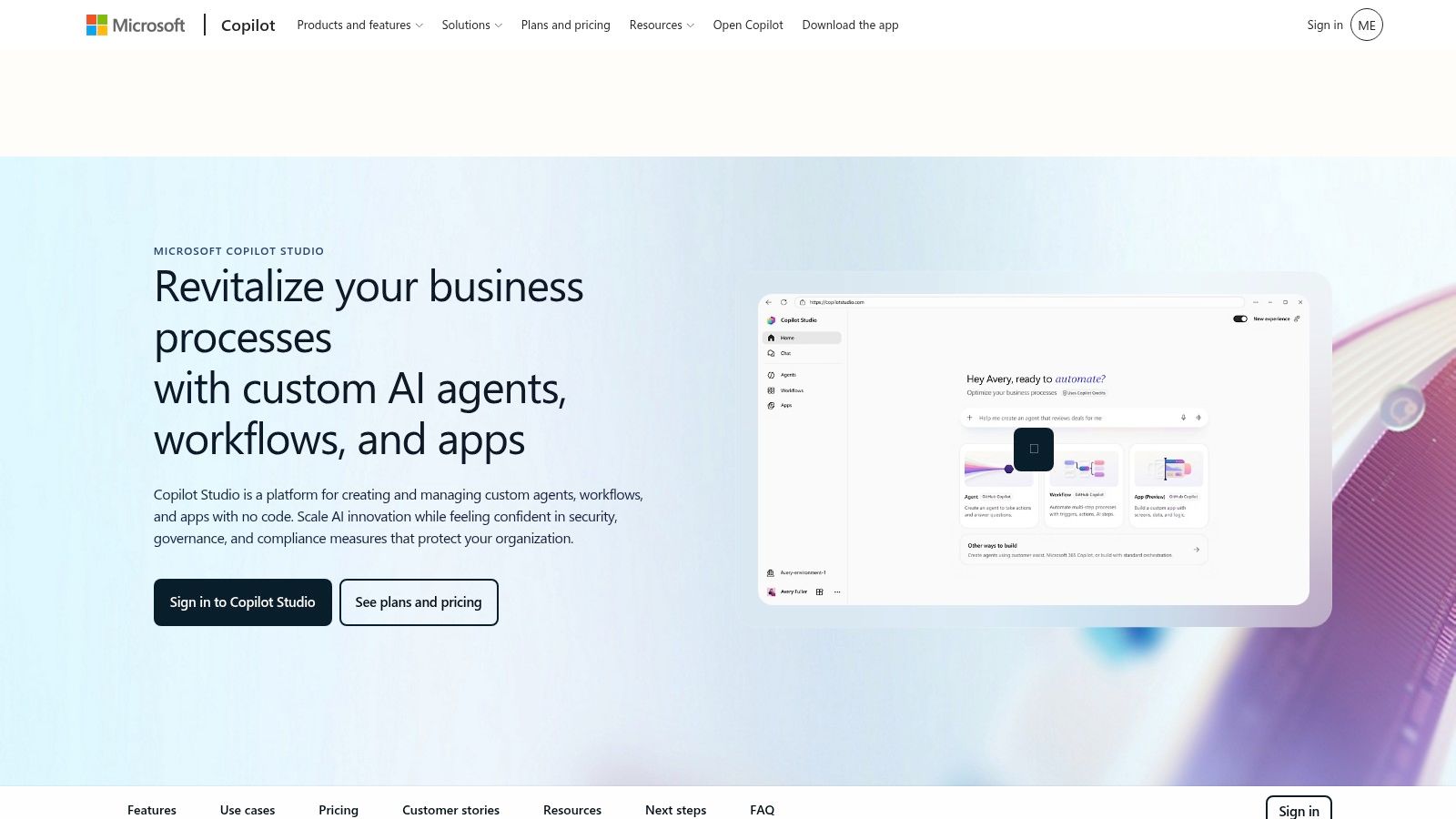
Deployment reality: Ecosystem-centered platform for Microsoft environments.
If employees already work in Teams and your administrators manage Microsoft identities, Microsoft Copilot Studio deserves an early evaluation. It provides low-code agent creation, connectors, and workflow tools for internal and external use.
A practical starting point is an employee agent that retrieves approved policy information and routes requests. That's more manageable than giving it broad authority across departmental systems immediately.
Strong fit doesn't mean zero setup
Copilot Studio's advantage is its proximity to Microsoft business tools and administration. Its limitation is that being inside the ecosystem doesn't automatically resolve permissions, inconsistent documents, or poorly defined processes.
Practical rule: Test with an ordinary employee account, not the administrator account used to build the agent.
Budget for environment administration and integration work alongside consumption. Confirm Azure requirements, connector entitlements, and how usage is metered before moving a pilot into everyday operations.
The AI Agents Listing on IndieHunt can help broaden discovery, but compare candidates against the same workflow. Copilot Studio is compelling when Microsoft integration reduces implementation work; it's less compelling when most of your useful data lives elsewhere.
3. Salesforce Agentforce
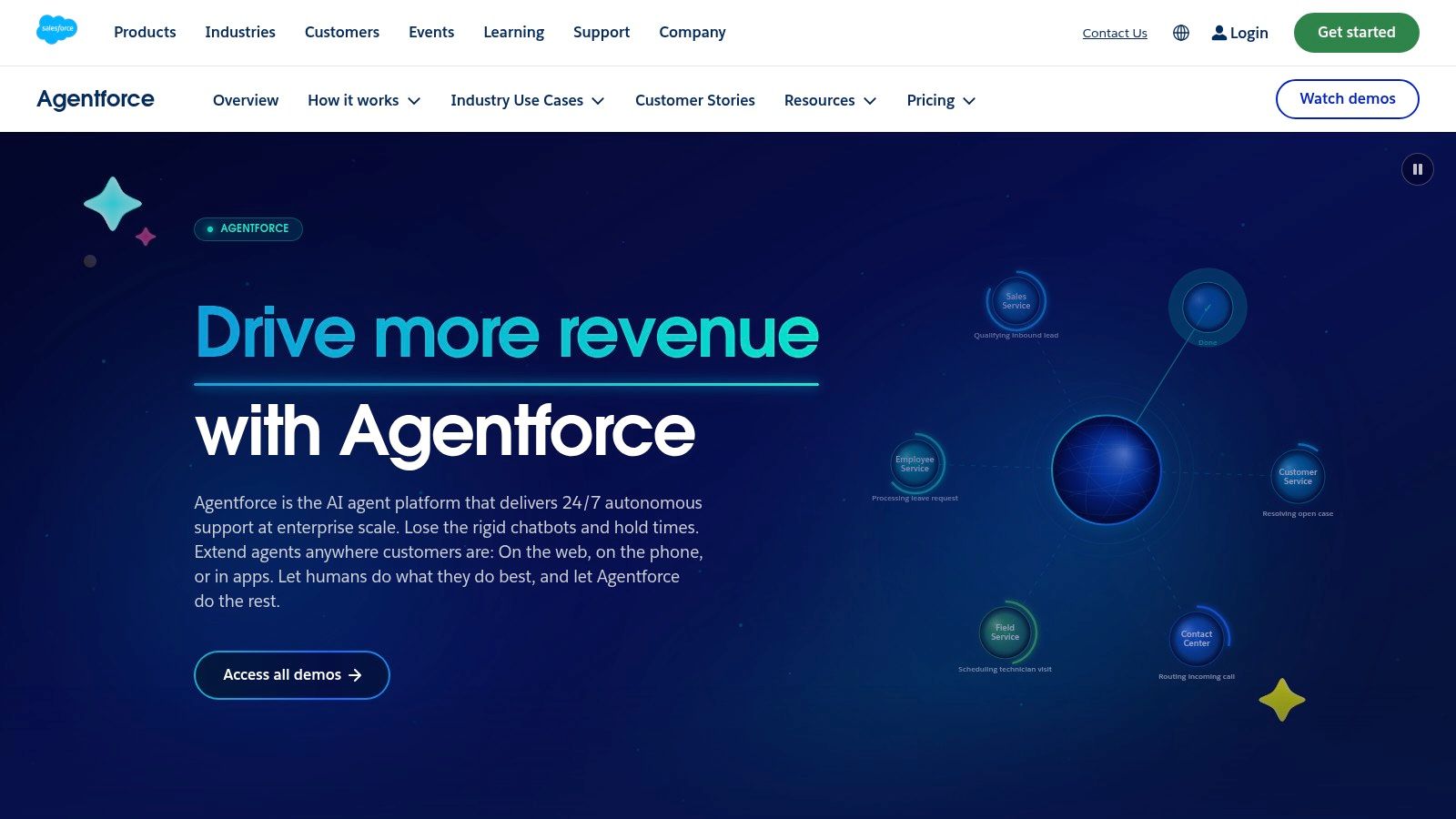
Deployment reality: Ecosystem-centered platform for Salesforce operations.
A service agent can't reliably update a customer's case if your team hasn't agreed which record represents that customer. Salesforce Agentforce is most useful when customer records, service activity, and business workflows already live in Salesforce and are maintained properly.
It can answer questions and take actions through Salesforce records and workflows. That makes it a natural candidate for case management and sales administration, rather than a reason to move unrelated operations into the CRM.
- What works: Keeping customer context and permitted actions close to the existing system of record.
- What needs attention: Record quality, action permissions, escalation rules, and consumption monitoring.
- Where lock-in grows: Custom behavior built around Salesforce objects and workflows can become expensive to recreate elsewhere.
Test an entire case journey, including missing information and a customer requesting something outside policy. A correct answer isn't enough if the agent changes the wrong record or leaves the human representative without context.
Ask the vendor to explain billing for a representative workflow, including retries and unsuccessful attempts. Choose Agentforce because it simplifies Salesforce work, not because its demo suggests that every customer process should become autonomous.
4. Google Gemini Enterprise Agent Platform
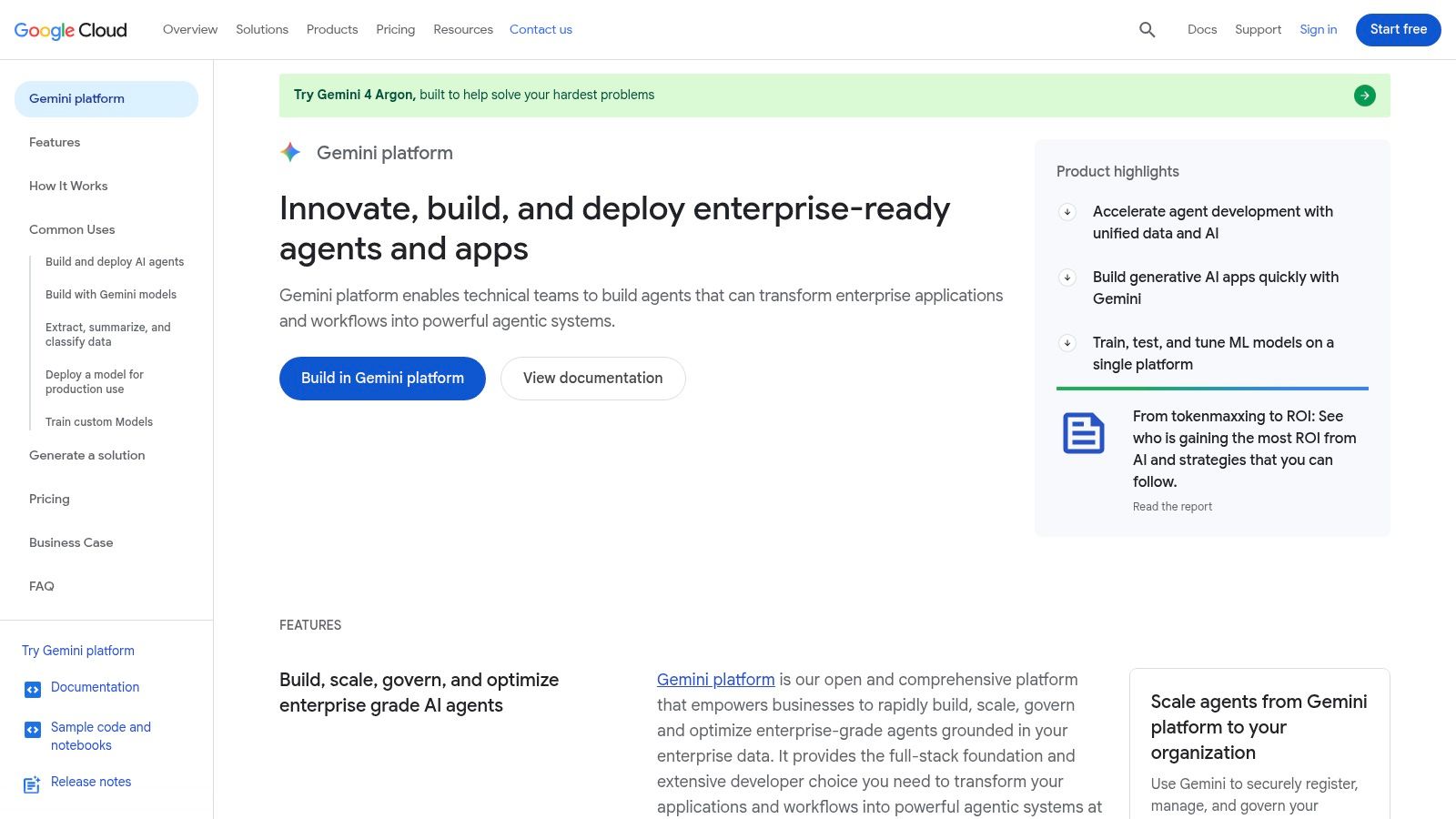
Deployment reality: Ecosystem-centered infrastructure with substantial build ownership.
Google Gemini Enterprise Agent Platform is closer to an enterprise development platform than a ready-made digital employee. Its low-code and code-first development paths suit teams connecting custom agents to company information and applications.
The strongest fit is an organization already operating on Google Cloud with someone responsible for cloud configuration, security, and application delivery. Using Google productivity apps alone isn't the same as having that operational capability.
Buy the platform only if you'll own the application
A custom research or operations agent may need managed runtime, observability, memory, and access controls. Those capabilities are useful, but your team must still define acceptable behavior and maintain the integrations.
Separate platform charges from model use, storage, and supporting infrastructure when estimating ownership cost. Otherwise, a modest prototype can become difficult to budget once users expect persistent context and dependable availability.
- Choose it for: Custom enterprise workloads with technical ownership.
- Avoid it for: A small team seeking a support agent it can configure and immediately hand to customers.
Ask how you'll export agent definitions, evaluation cases, and stored state. Cloud-native convenience is valuable, but migration becomes harder when application behavior depends on proprietary managed services.
5. CrewAI
Deployment reality: Build-your-own platform for coordinated agent workflows.
Not every workflow benefits from multiple agents. CrewAI makes sense when distinct roles clearly improve the process, such as separating research, evidence checking, and report preparation.
Its platform supports collaborative agent workflows, visual building, and enterprise deployment controls. You're buying tools to construct and operate a system, not an employee who already understands your business.
Consider competitive intelligence. A research agent gathers material, another checks whether claims have supporting sources, and a reporting agent assembles the result. That separation is useful only if you can inspect what each stage contributes.
Don't add another agent until you can explain which failure it prevents or which responsibility it isolates.
The hidden cost is coordination
Every handoff introduces another opportunity for incomplete context, duplicated work, or conflicting conclusions. Define structured outputs and explicit stopping conditions rather than relying on agents to negotiate their responsibilities indefinitely.
CrewAI is a good shortlist candidate for technical teams building repeatable, specialized workflows. It's a weaker choice when a conventional automation with a narrowly scoped model call would accomplish the same task.
Evaluate deployment options and governance requirements early. Moving a prototype into a controlled production environment can involve more work than building the initial crew.
6. UiPath
Deployment reality: Build-and-orchestrate platform for established business processes.
Say an accounts team receives documents, checks information against business software, and routes exceptions for approval. UiPath is relevant because the job requires document handling, software interaction, and human coordination, not just conversational reasoning.
UiPath combines agents with robotic process automation and orchestration. That combination matters when a process crosses applications that don't all expose convenient APIs.
- Use deterministic automation: Move validated fields, apply fixed business rules, and perform repeatable interface actions.
- Use an agent selectively: Interpret ambiguous requests or classify less predictable inputs.
- Keep people involved: Route exceptions and consequential decisions to an accountable reviewer.
This division is usually more dependable than asking an agent to improvise the entire process.
Assess implementation before licensing
UiPath can be more platform than a small team needs. Process mapping, exception handling, access management, and maintenance all belong in the procurement discussion.
Interface-based automation also needs attention when applications change. Confirm who repairs broken interactions and how the system prevents repeated submissions after a partial failure.
Shortlist UiPath when you have operational processes worth formalizing and a team prepared to maintain them. For a simple inbox assistant or knowledge search tool, a lighter product may be easier to own.
7. Zapier Agents
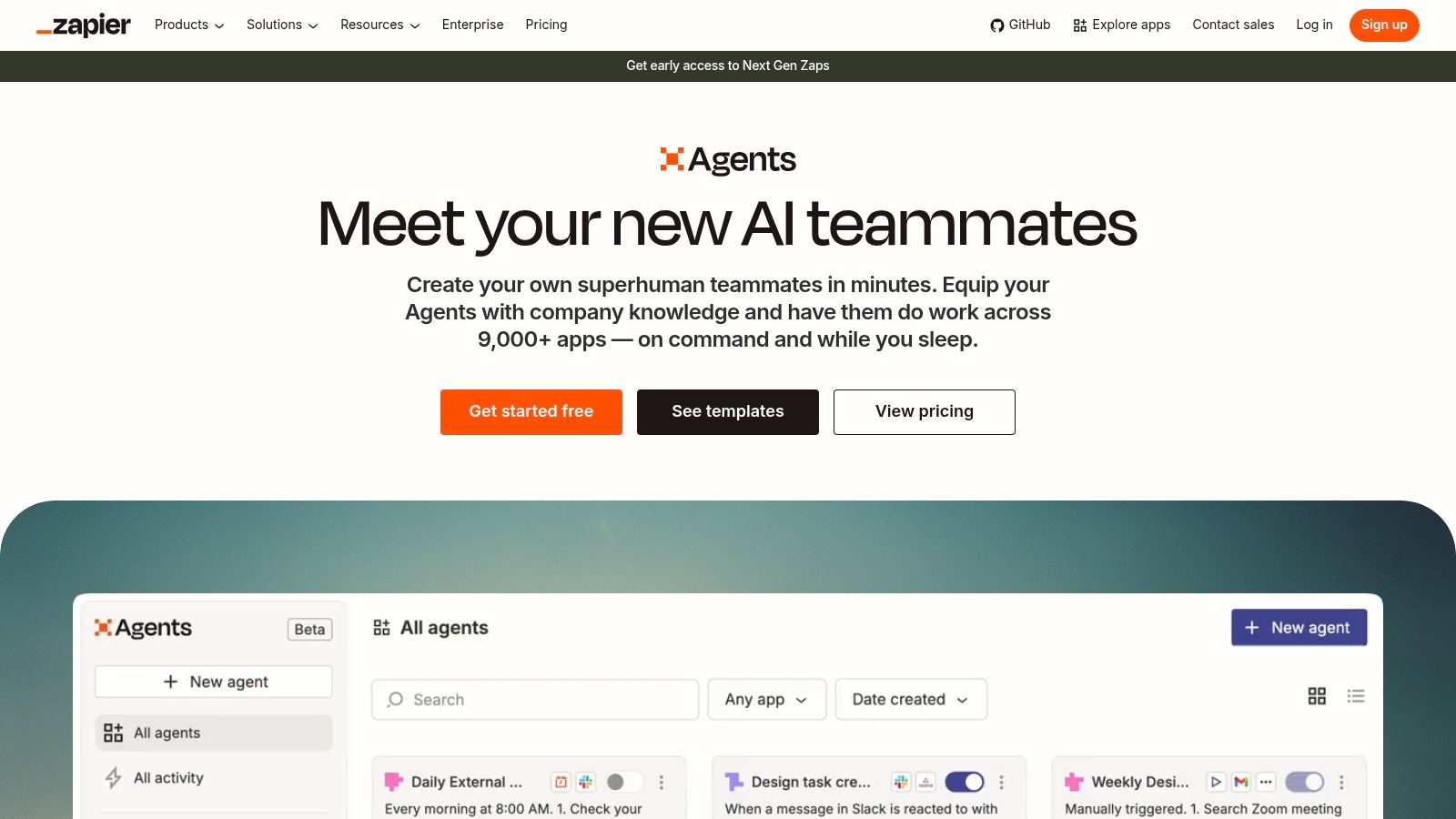
Deployment reality: Build-your-own cross-app automation with a business-friendly starting point.
The appeal of Zapier Agents is straightforward: connect agent behavior to applications your business already uses. It's worth evaluating when the work consists of coordinating SaaS tools rather than building a custom software product.
For example, an agent might inspect incoming inquiries, look up company context, and prepare a CRM update. Keep the final write tightly scoped so a vague instruction doesn't become permission to alter unrelated records.
Inspect the action, not just the connector
An app appearing in an integration catalog doesn't guarantee support for the operation you need. Test the exact search, update, attachment, and permission behavior involved in your workflow.
- Main advantage: Existing Zapier users can build on familiar integration patterns.
- Main limitation: Activity-based allowances require attention when workflows perform repeated searches or actions.
- Procurement concern: Confirm current Agents naming, packaging, and feature availability before committing.
Check whether the agent can safely resume after a failure. If it sends a message successfully but fails while logging the result, a blind retry could send the message again.
Zapier is a sensible shortlist choice for cross-app coordination without a dedicated application team. It's less suitable when you need extensive control over runtime behavior or deployment architecture.
8. n8n
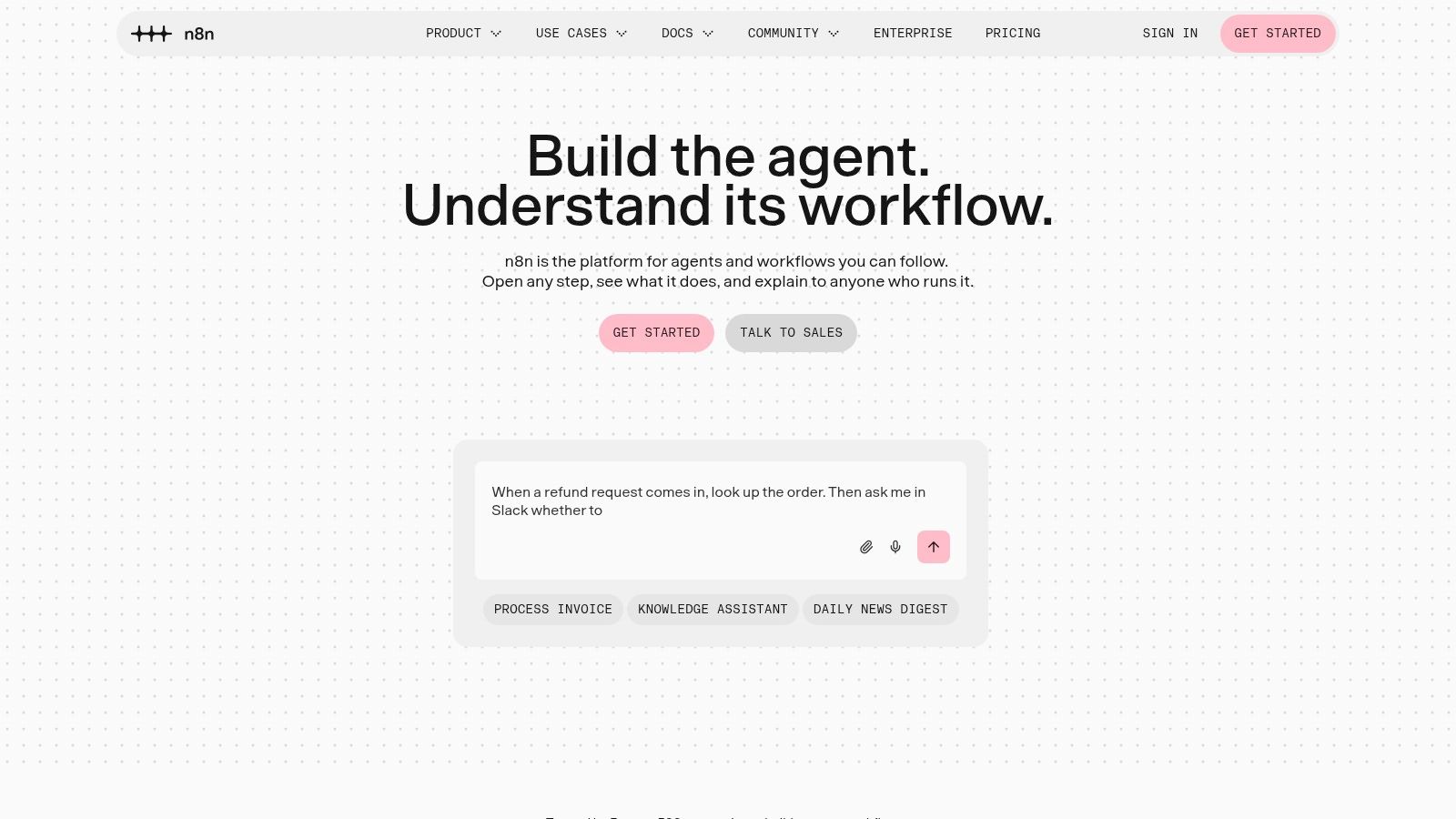
Deployment reality: Build-your-own workflows for technically owned automation.
Choose n8n when you want to control the workflow around the agent, not merely write its instructions. Its AI Agent node sits within a broader visual automation environment, so conventional logic and model-driven decisions can coexist.
That's useful for inbound lead handling. Validate required fields conventionally, use AI to interpret the inquiry, and let explicit rules determine routing and permitted updates.
Keep predictable work predictable
The strongest implementation isn't necessarily the most autonomous. Use ordinary workflow steps for transformations and checks that have unambiguous answers; reserve agent behavior for tasks requiring interpretation.
Technical ownership remains essential. Someone must maintain credentials, test error branches, inspect execution failures, and update the workflow when connected applications change.
Teams comparing visual automation with configuration-led approaches can also examine Runsight's YAML-first workflow engine listing. The relevant question is how your team prefers to review, change, and maintain operational logic.
- Best fit: Technical founders and operations engineers who want workflow-level control.
- Main trade-off: Greater flexibility comes with ongoing maintenance responsibility.
- Cost consideration: Include model usage and operational support alongside workflow execution charges.
Don't choose n8n merely to avoid a specialized agent's subscription. Choose it when control over the process is worth the engineering work.
9. HubSpot Breeze Customer Agent
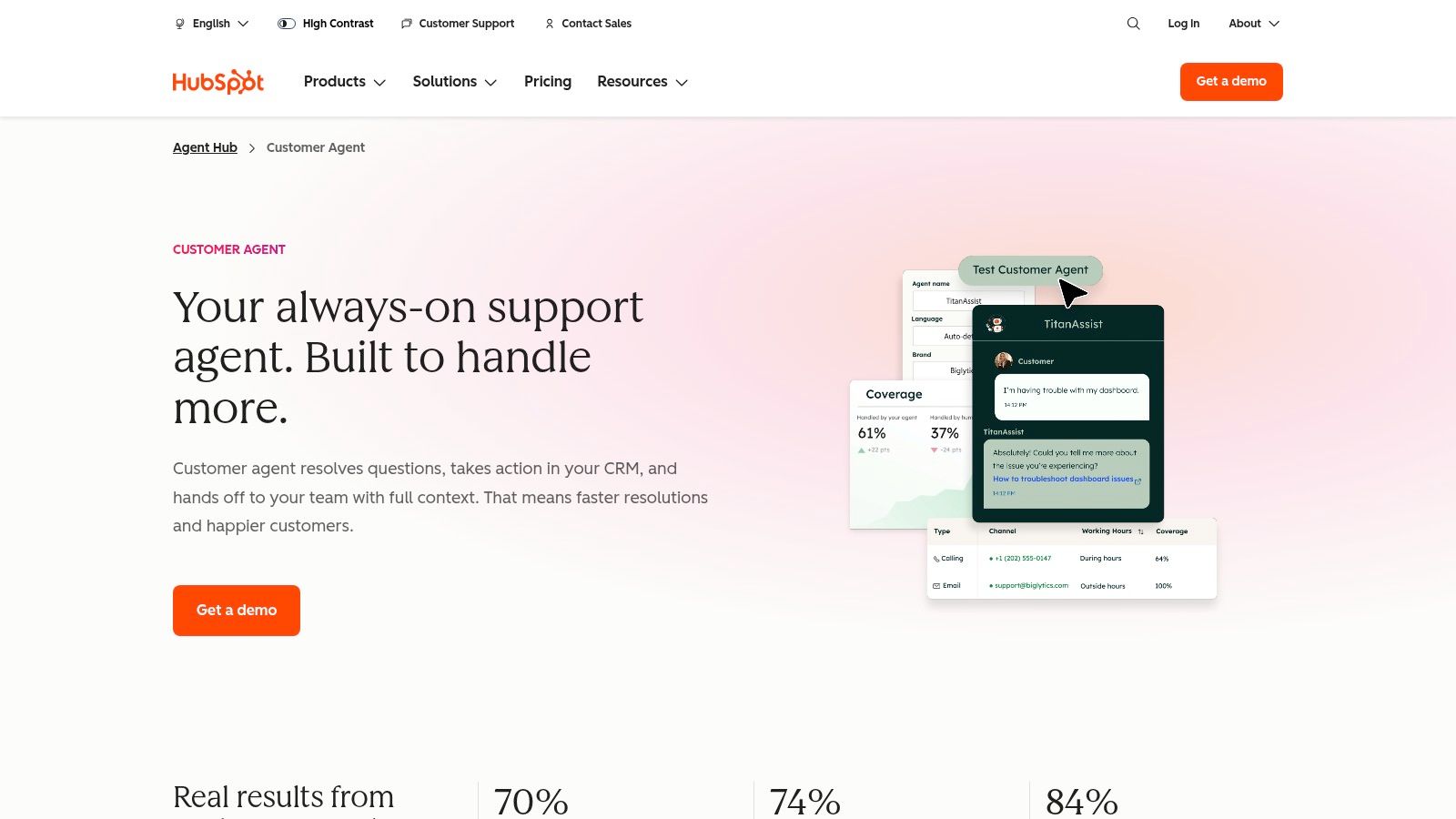
Deployment reality: Ready-made service agent with HubSpot ecosystem dependence.
HubSpot Breeze Customer Agent is the shortlist option for teams that want customer-service automation close to their CRM. It can answer questions using company materials, qualify leads, and hand complex conversations to human representatives.
Its appeal is less about unrestricted autonomy and more about reducing repetitive customer-facing work. If HubSpot already holds useful customer context, your team may avoid building a separate context pipeline.
- Good starting point: Product questions and documented service procedures.
- Important boundary: Require escalation when the customer's request exceeds published policy.
- Commercial consideration: Confirm subscription eligibility and how credits interact with the underlying HubSpot bill.
Test the handoff as carefully as the answer
A human representative should receive the customer's question, relevant context, and what the agent already attempted. Without that continuity, customers have to repeat themselves and staff must reconstruct the conversation.
Check lead qualification behavior too. An agent that collects unnecessary information or pushes a sales conversation during a support issue can create friction.
Breeze is compelling for established HubSpot users. If your CRM lives elsewhere, compare the cost of integration and platform adoption against a support agent that fits your existing helpdesk.
10. Intercom Fin
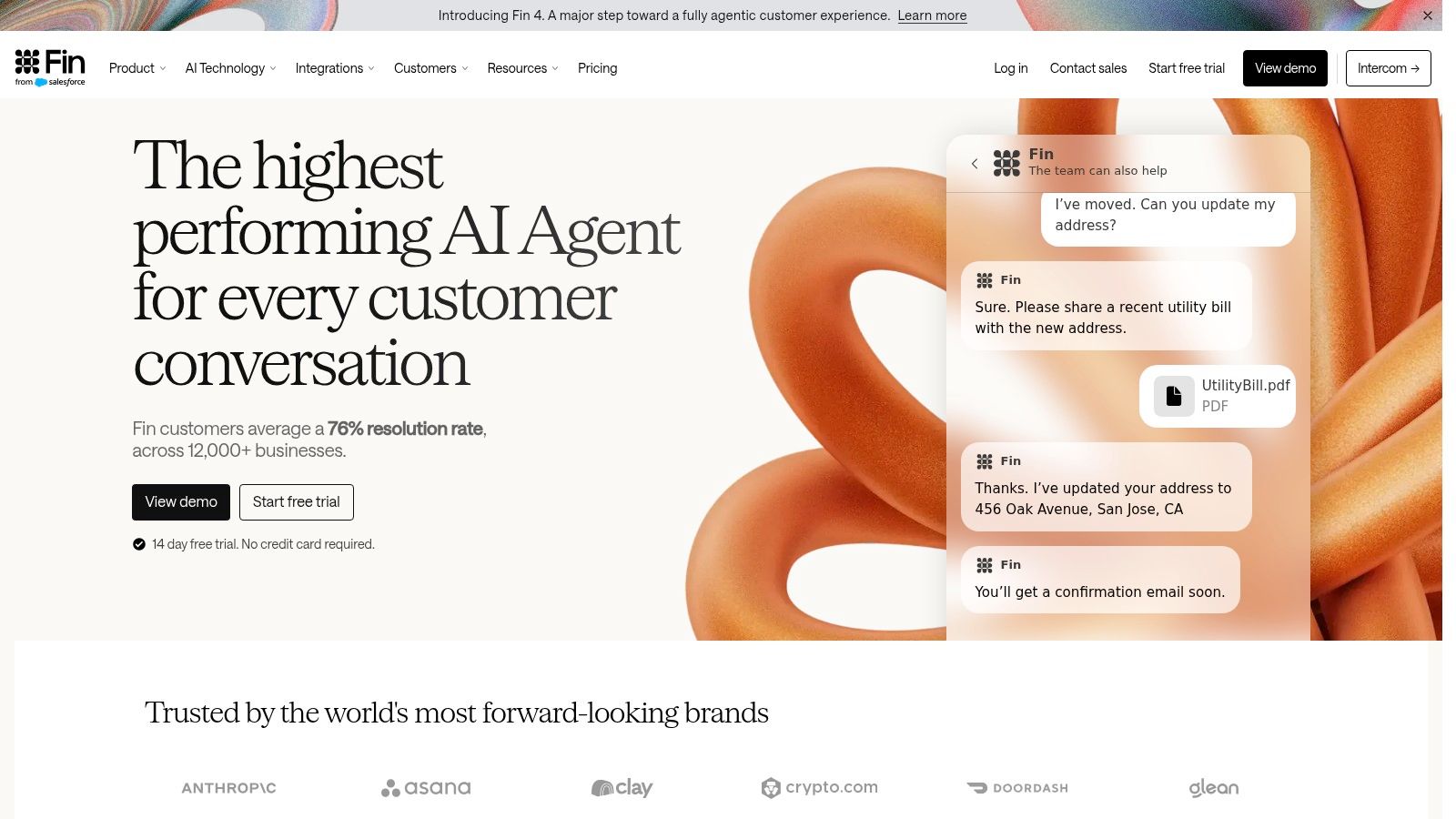
Deployment reality: Ready-made customer-service agent with helpdesk flexibility.
Intercom Fin is worth shortlisting when repetitive support demand is the immediate problem. It can answer questions, perform configured workflows, and hand conversations to people, with options to use Intercom's helpdesk or connect to an existing one.
That flexibility matters if replacing your entire support system would delay the project. Evaluate the agent and the helpdesk as separate purchasing decisions.
Buying advice: Ask what counts as a billable outcome, then compare that definition with what your support team considers a genuinely solved issue.
Outcome-based billing is easier to understand conceptually than infrastructure billing, but it still requires scrutiny. Include any helpdesk seats, commitments, and implementation work in the comparison.
Start with knowledge your team trusts
Give Fin current, noncontradictory support content. Test ambiguous questions, requests for exceptions, and conversations where the customer changes their objective.
For a narrower deployment, compare its scope with the Sarathi customer-support agent listing. Channel coverage and workflow fit matter more than a generic feature count.
Fin is a strong candidate when you want packaged service automation rather than an agent-building project. It won't remove the need for knowledge maintenance, escalation ownership, or conversation review.
11. Zendesk AI Agents
Deployment reality: Ready-made agents integrated with support operations.
Zendesk AI Agents make the most sense when Zendesk already organizes your tickets, knowledge, and service procedures. They can answer from trusted content and connect to external systems for more involved actions.
The practical advantage is continuity with existing support operations. Your team can evaluate agent behavior alongside ticket routing and human handling rather than assembling a separate operating environment.
Expand from answers to procedures carefully
Begin with documented self-service questions. Move into actions only after you've tested identity checks, prerequisites, and escalation behavior.
- What works: Combining automated service with established ticketing and support administration.
- What needs preparation: Reliable knowledge sources and clearly defined procedures.
- What affects ownership cost: Human-agent subscriptions, automated-resolution usage, implementation, and ongoing content maintenance.
Use reporting and reasoning controls to inspect why the agent answered or acted as it did. Review conversations where customers rephrase questions repeatedly, abandon the interaction, or return after an apparent resolution.
Zendesk is less compelling if adopting it would mean replacing an otherwise effective helpdesk solely to gain AI functionality. Compare that migration effort with an agent that can operate alongside your current system.
The best deployment keeps support managers accountable for service quality. Automation changes how work gets handled; it doesn't eliminate the need to own the outcome.
10 business AI agents compared at a glance
| Category | Pricing model | Known entry price | Best for |
|---|---|---|---|
| Zenfox.ai, autonomous business agent | Tiered plans: Free, Pro, Max, Enterprise | Free plan available | Teams seeking an agent that performs tasks across connected business apps |
| Microsoft Copilot Studio, agent-building platform | Usage-based pay-as-you-go or prepaid credits | Not specified; Azure subscription required | Organizations working in the Microsoft ecosystem |
| Salesforce Agentforce, CRM-integrated agent platform | Consumption-based credits or conversations | $0 Salesforce Foundations plan includes Agentforce Builder | Businesses running sales and service workflows in Salesforce |
| Google Gemini Enterprise Agent Platform, cloud agent platform | Usage-based, including compute, storage, and model use | Not specified | Google Cloud teams building and managing custom agents |
| CrewAI, multi-agent workflow platform | Free tier; custom Enterprise pricing | Free Basic plan includes 50 workflow executions per month | Teams building collaborative workflows with multiple agents |
| UiPath, AI and robotic process automation platform | Tiered plans; higher tiers priced through sales | Basic plan from $25 per month | Organizations automating processes across software, documents, and human review |
| Zapier Agents, app-connected AI workers | Free and paid plans with activity limits | Free plan includes 400 activities per month | Teams connecting agent tasks to existing apps and Zapier workflows |
| n8n, AI workflow automation platform | Plan-based pricing tied to workflow executions | Not specified | Technical teams designing customizable AI and automation workflows |
| HubSpot Breeze Customer Agent, customer-support agent | Per resolved conversation, plus eligible HubSpot subscription and credits | $0.50 per resolved conversation | HubSpot businesses automating customer support and lead qualification |
| Intercom Fin, customer-service agent | Per outcome; helpdesk seats may cost extra | $0.99 per outcome | Support teams automating service across chat, email, or voice |
| Zendesk AI Agents, customer-service agents | Per-agent suite subscription plus automated-resolution charges | Suite Team from $55 per agent per month, billed annually | Support teams using Zendesk ticketing and knowledge workflows |
How to Choose and How to Get Your Own Agent Noticed
Start with where the work lives, not which agent sounds most capable. Your shortlist should reflect the systems employees use and the processes someone is prepared to maintain.
- Choose an ecosystem-centered platform when your useful data and workflows already live in Microsoft, Salesforce, or Google Cloud. Existing identity and administration can simplify deployment, but confirm the required connectors and permissions.
- Choose a build-your-own platform when a technical owner can design, test, and maintain workflows. CrewAI, UiPath, Zapier Agents, and n8n solve different orchestration problems; they aren't interchangeable.
- Choose a ready-made service agent when repetitive support demand is the immediate bottleneck. Breeze, Fin, and Zendesk deserve evaluation against your knowledge base, helpdesk, and escalation procedures.
- Consider Zenfox.ai when your main problem is coordination across business apps and you want a goal-driven assistant rather than a workflow-building project.
Run a pilot that exposes the difficult parts
Use a free or trial tier where available before committing to consumption pricing. Test a bounded workflow using representative business information, including incomplete records, denied access, conflicting instructions, and interrupted executions.
Record successful completions, human intervention, correction effort, and the full usage bill. Compare those results with the current process rather than with an idealized manual workflow nobody follows.
Test permissions deliberately. The agent should fail safely when it lacks access, and customer-facing actions should have clear approval boundaries.
A useful pilot demonstrates how the agent handles failure, not merely how it completes the happy path.
Assign an owner before expanding deployment. That person needs access to logs, spending controls, escalation settings, and a way to stop execution.
Make your own agent easier to evaluate
Founders can apply the same discipline to launch content. Describe the exact workflow your product completes, the systems it connects to, the permissions it needs, and what happens when it can't finish.
Show an activity trace or a worked scenario instead of relying on broad claims about autonomy. Explain billing units and deployment requirements plainly, and distinguish supported functionality from roadmap plans.
Buyers comparing the best AI agents for business need evidence they can use to make a decision. Clear integration documentation and honest limitations make a listing more useful than another impressive but unrepeatable demo.
Launching an AI agent product? IndieHunt offers weekly homepage exposure and a permanent project listing. Its Premium launch option adds a guaranteed dofollow backlink, a dedicated launch story, and a Launch Kit of shareable graphics to help founders present and promote their products.

Launch on IndieHunt
Submit your product to get featured in the weekly launch and reach indie founders looking for new tools.
Submit your project