French Transcription Software: 10 Tools Compared for 2026
Compare 10 French transcription software options on accuracy, accent support, pricing, and best-fit use cases for interviews, podcasts, and meetings.
You upload a 45-minute French interview before lunch. The transcript arrives in minutes. Then you spend the afternoon fixing it.
Names come back wrong. Two speakers merge into one paragraph. A Québec expression gets flattened into standard French, and the number you needed for a quote is gone. A fast draft and a usable record are two different things, and the gap between them is where your choice of tool matters.
Clean audio hides the problem. A benchmark of cloud speech-to-text APIs covering 6,693 French audio files totaling approximately 17 hours found Microsoft Azure at 9.09% word error rate on clean French audio, with Amazon Transcribe at 11.76% and Google Cloud Speech-to-Text at 14.29%. Noise pushed errors much higher. Your cafeteria recording, phone interview, or overlapping Monday meeting will not behave like a studio file.
The picks below judge each tool by the French workflow it suits: a Paris podcast with regional accents, a Québec research interview, a caption deadline, or a record where a human should check the output before anyone relies on it.
Table of Contents
- 1. WhisperAI.com
- 2. Happy Scribe
- 3. Sonix
- 4. Descript
- 5. Transkriptor
- 6. Notta
- 7. Trint
- 8. VEED
- 9. Otter.ai
- 10. MacWhisper
- 11. Rev
- How the 11 French transcription tools differ by workflow, pricing model, and best fit
- Matching French Transcription Software to Your Recordings
1. WhisperAI.com
Start here when one week means uploaded interviews, the next means live meetings, and subtitles show up on Friday. The broadest starting point is French transcription software: WhisperAI.com accepts uploads up to 5 GB, runs as a web app and API, and covers recorded and live audio in 100+ languages without forcing you to split long files first.
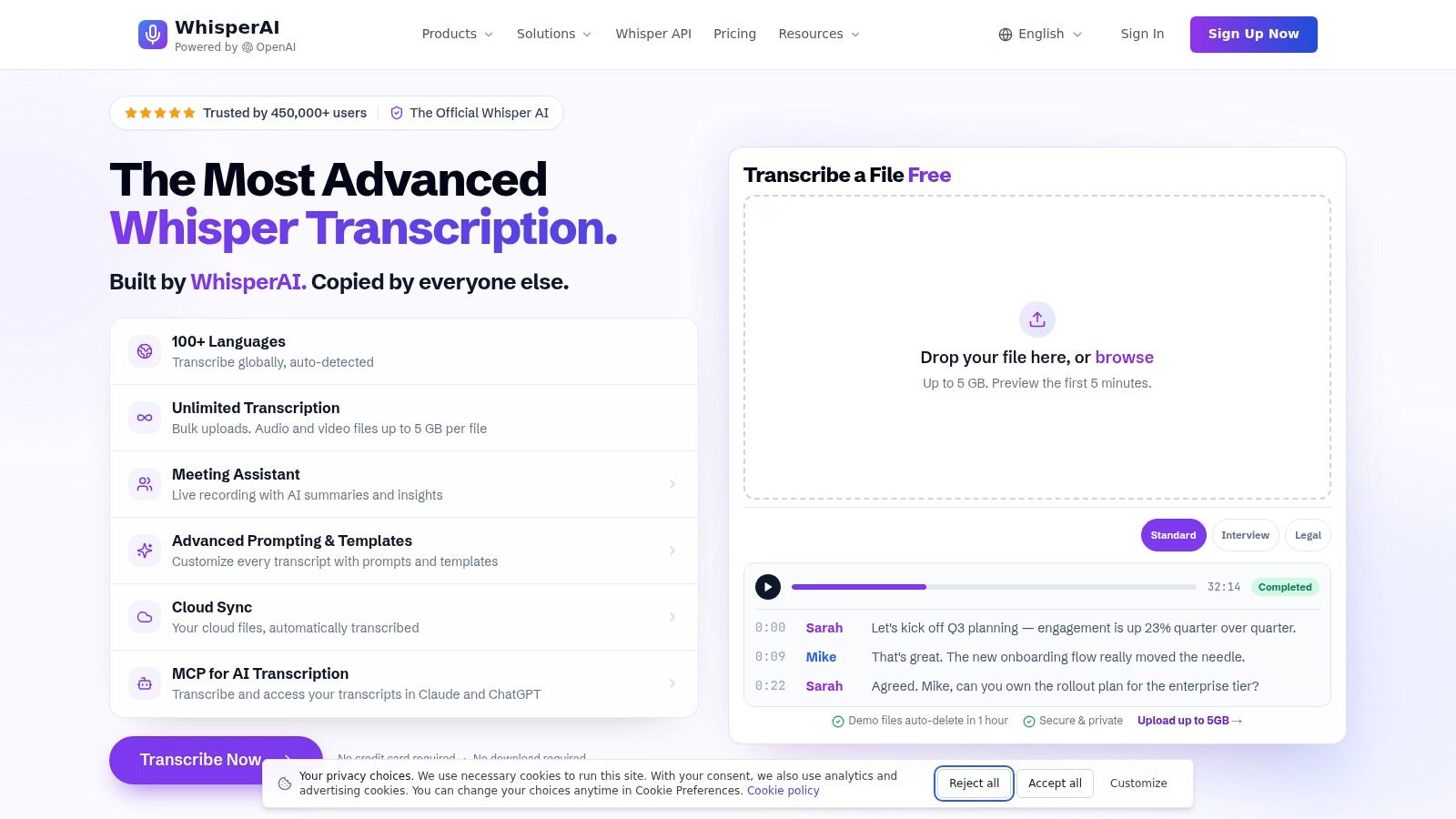
The practical strength is control before you transcribe. Add custom vocabulary, per-file instructions, and presets for verbatim output, interviews, legal, medical, technical, or unclear audio. That matters when a transcript keeps mangling a company name, a drug, or a place in Lyon. Fix the instruction once instead of correcting the same error forty times.
Where It Earns Its Place
Speaker diarization lets you rename speakers in the searchable editor. Word and sentence timestamps help you check a disputed phrase without scrubbing through an hour of audio. Exports cover PDF, DOCX, TXT, and SRT, so one recording can become meeting notes, a research transcript, and subtitles.
Treat the model name as a starting point, not a guarantee. Vendor-reported results on the ElevenLabs French speech-to-text benchmark page put Whisper Large v3 at 6.0% WER on the FLEURS French benchmark, while ElevenLabs Scribe v1 is reported at 3.1%. Those are benchmark conditions, not your noisy call. Test your own accents and vocabulary.
I recommend WhisperAI.com when volume is unpredictable and per-minute caps would punish you. Bulk uploads, live transcription with summaries and action items, and APIs for real-time and pre-recorded audio make it the broadest fit here. Skip it if you only transcribe one short file a month and never need live capture, translation, or batch work.
2. Happy Scribe
Happy Scribe suits the interview that also needs subtitles. You transcribe French audio or video in the browser, edit with collaborators, translate, and export DOCX, TXT, or SRT from the same project. Podcasters and researchers who publish clips won't need a second caption tool.
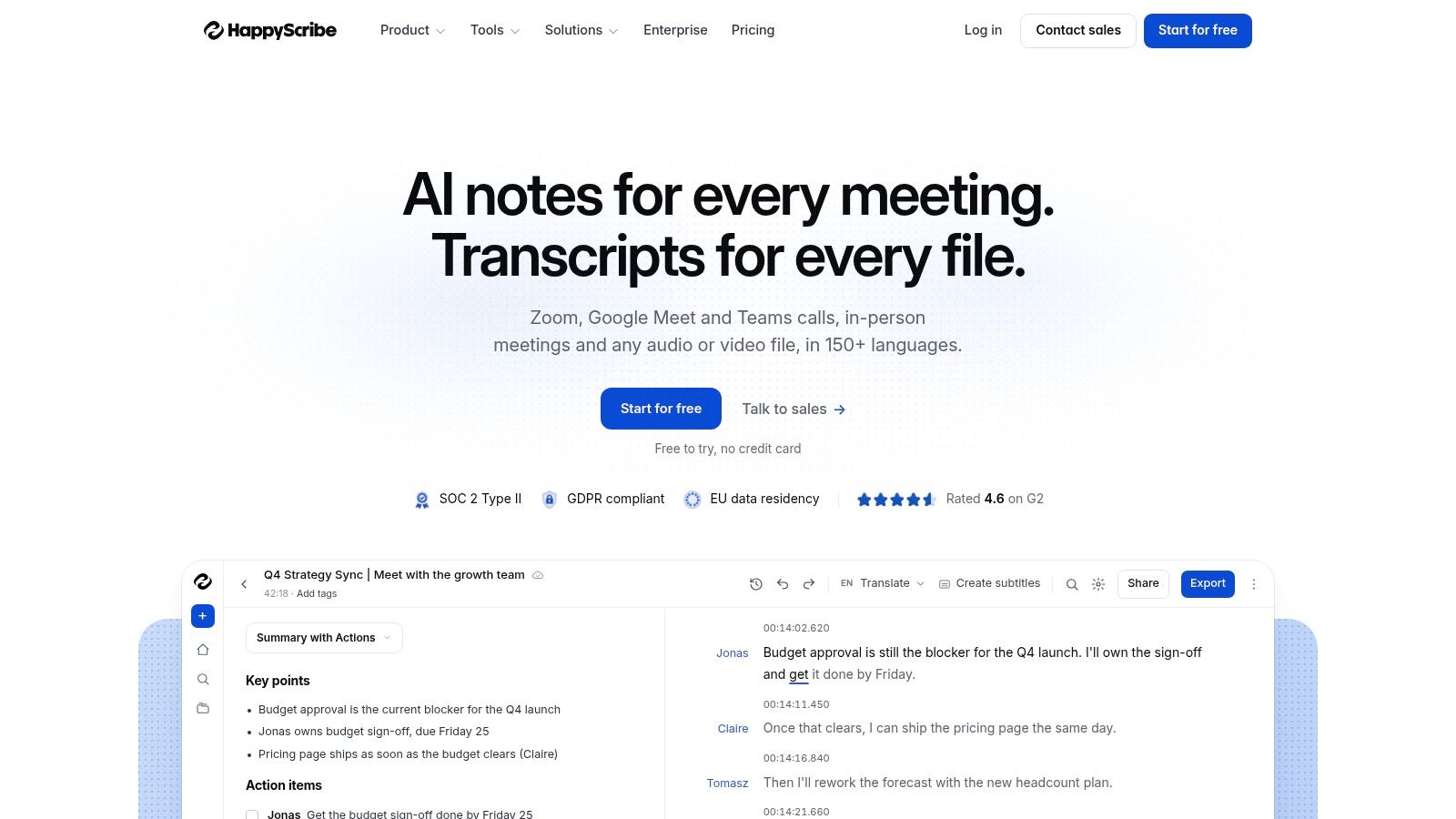
Its clearest advantage is the escape hatch. Optional human proofreading gives you a route when an automated draft is close but not publishable. That option costs considerably more than AI transcription, so reserve it for episodes, client deliverables, or quotes you'll print. Don't pay human rates to clean up internal notes you could correct in ten minutes.
Watch the minute allowance. AI minutes are limited by plan, and extra usage costs more. A weekly Paris podcast with two guests can burn through an entry tier faster than you expect.
A transcript can score well overall and still fail on the words that carry the meaning.
That caution fits the evidence. A French ASR benchmark covering 10 systems and broadcast speech in the broadcast speech error severity study reported lexical-word accuracy from 79.6% to 93.7%, based on 10,007 annotated words. Check names and numbers yourself, even when the sentences read smoothly.
3. Sonix
Sonix is for people who work from finished recordings. Upload French audio or video, correct it in the browser editor, and use speaker labels and word-level timestamps to find exact moments. It's a clean fit for journalists, documentary researchers, and teams building searchable archives.
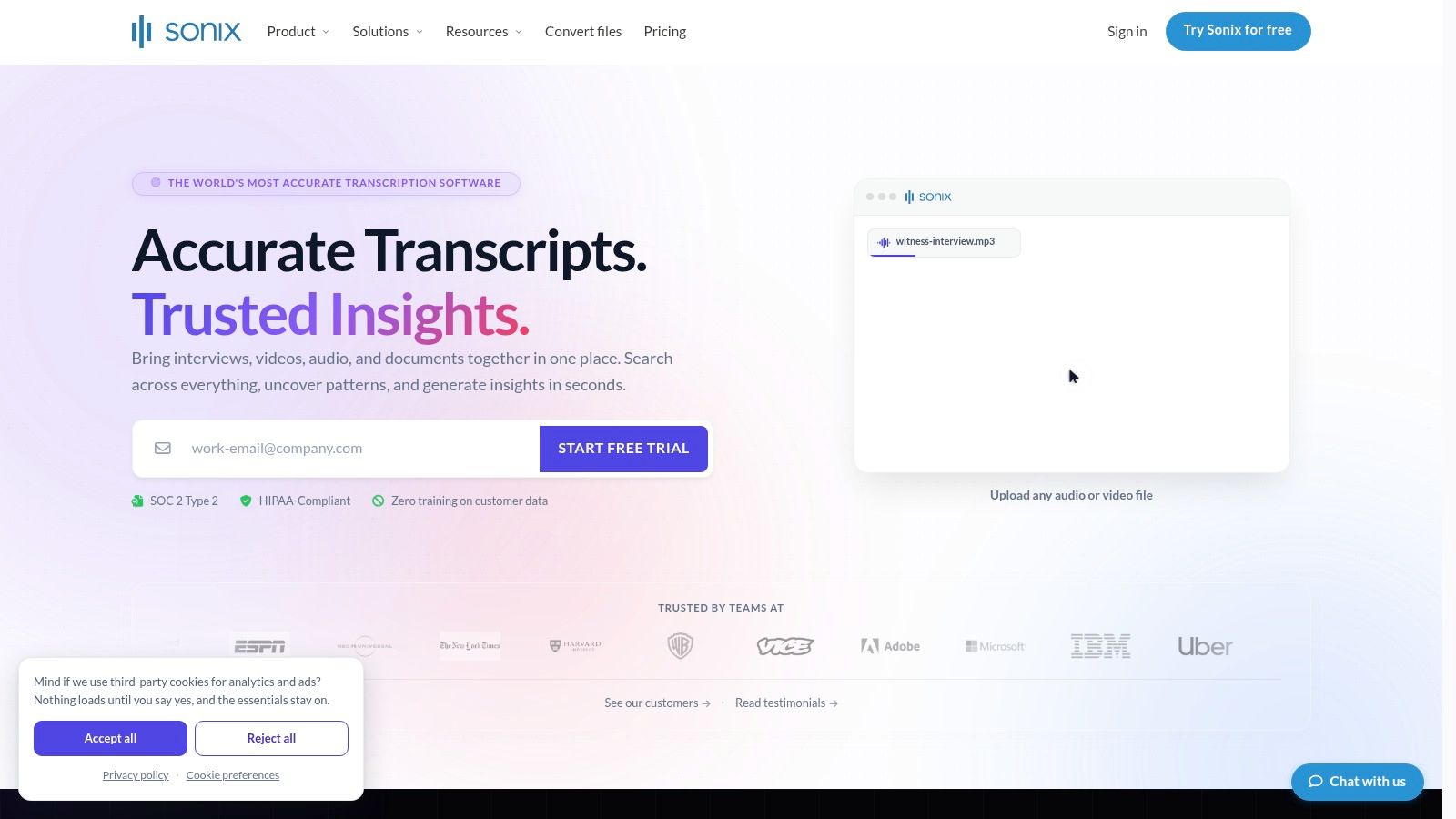
Subtitle work is built in, with SRT and VTT exports. If your workflow ends with a published video, that saves a conversion step. If it ends with a live meeting summary, Sonix is the wrong shape. It isn't primarily a meeting notetaker that joins calls for you.
Pricing is flexible in a useful way. Pay-as-you-go and monthly plans let occasional users avoid committing too early, while regular uploaders can move to a subscription. Very occasional users should still do the math before subscribing for a single interview.
Accuracy follows the recording. Clear speakers close to a microphone will need light correction. Cross-talk, distant room audio, and fast regional speech will cost you editing time no matter how tidy the editor looks. Budget correction time as part of the price.
4. Descript
Use Descript when the transcript is also your edit timeline. French audio and video become editable text, and cutting a sentence in the transcript cuts the linked media. For a French podcast recorded in Paris with regional accents, that link is the reason to choose it.
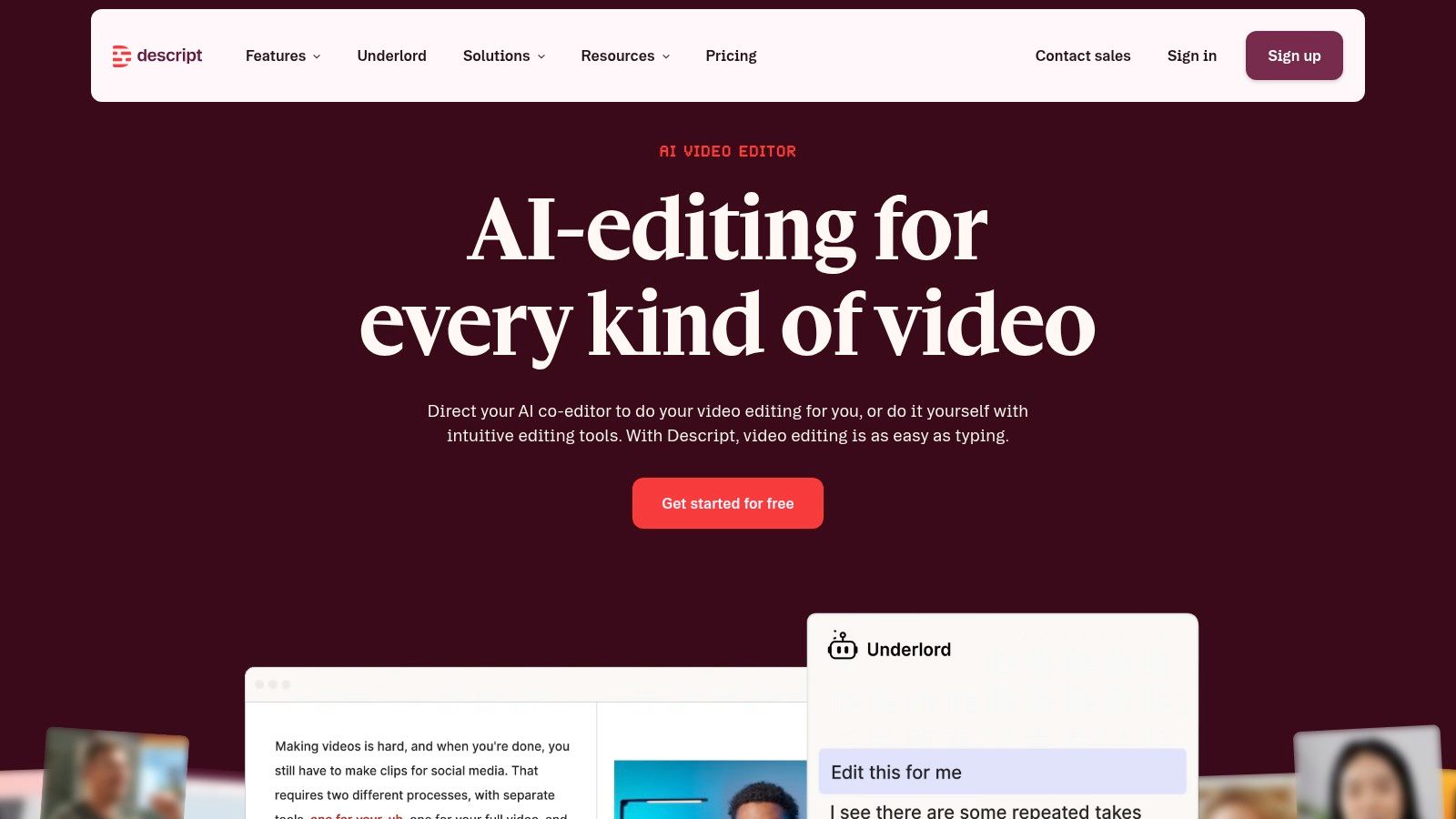
You can export text and subtitle formats, add captions, and stay inside one production environment. Try the free access first, because the workflow either clicks immediately or feels like overhead. Creators who already edit in Descript get the most value.
Don't buy it for plain transcription alone. If you need a clean DOCX from a research interview, a simpler upload-and-export service will get you there with less setup. Descript's creator features become clutter when nobody is cutting video.
Check specialized French terms before you publish. A transcript that reads well can still substitute a similar-sounding word and change a claim. Use the linked audio to verify names, figures, and any sentence you plan to quote on screen. That's slower than trusting the draft, but it's much faster than correcting a published episode.
5. Transkriptor
Transkriptor tries to cover both sides of your week. It transcribes uploaded French media, records meetings, identifies speakers, and produces summaries you can search later. Web and mobile access help if you capture interviews on a phone and edit at a desk.
- File uploads: Use them for interviews, lectures, and recordings made outside a meeting platform.
- Meeting workflows: Use recording and summaries for routine team calls where a searchable record matters more than perfect verbatim text.
- Organization tools: Speaker identification and transcript editing keep multi-person French conversations readable.
The trade-off is complexity. If you only transcribe an occasional file, you may pay for meeting features you never open. Plan minutes also vary sharply, and unused monthly minutes expire instead of rolling over. An uneven workload, heavy in March and quiet in April, can make the effective cost worse than the headline price.
Teams comparing similar multilingual upload tools can also look at the Transcript project listing for context on how smaller products package the same job. Pick Transkriptor when you'll use both meetings and uploads every month.
6. Notta
Notta fits a multilingual team that lives in meetings. It supports French in monolingual transcription, records meetings, and gives you searchable transcripts you can share without emailing audio files around. Web and mobile apps keep the same record available after you leave the call.
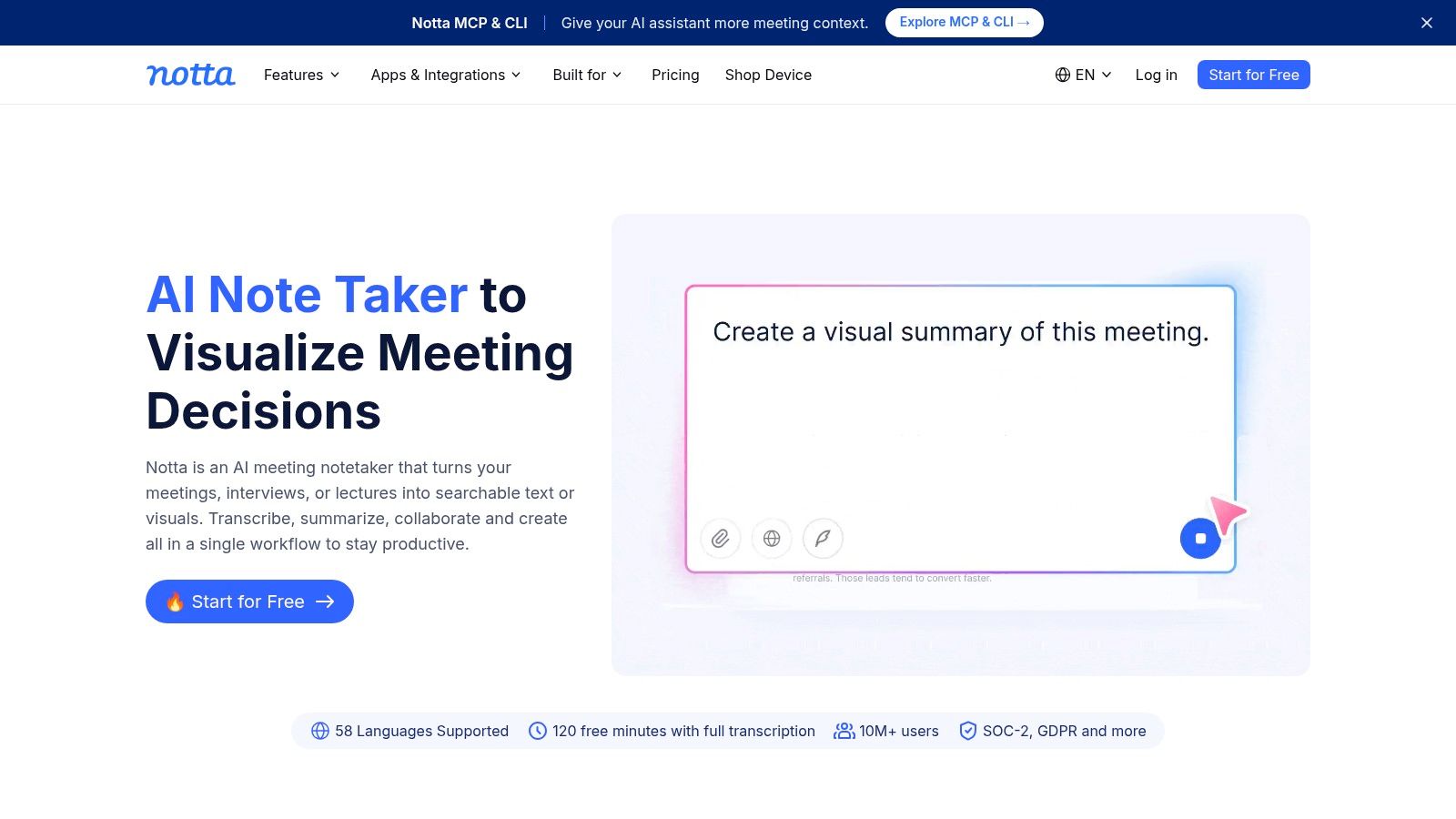
Check the exact mode you need before you commit. French is included among 58 languages in monolingual transcription, but language support differs across features. Translation and bilingual transcription only cover selected combinations. A French-only meeting and a French-English bilingual workflow are not the same purchase.
Free access is best treated as a test drive. It's enough to learn whether speaker handling and summaries suit your team, but it won't tell you whether a paid allowance fits a month of long calls. Run one real meeting, measure the minutes, and count corrections.
I wouldn't choose Notta mainly for subtitle production or archival research transcripts. Choose it when recurring conversations, sharing, and quick follow-up matter more than fine-grained caption timing.
7. Trint
A Québec interview exposes a weakness in many tools. They treat French as one uniform language. Trint supports French and French Canadian, which gives North American teams a starting point that matches their speakers instead of forcing a Metropolitan default.
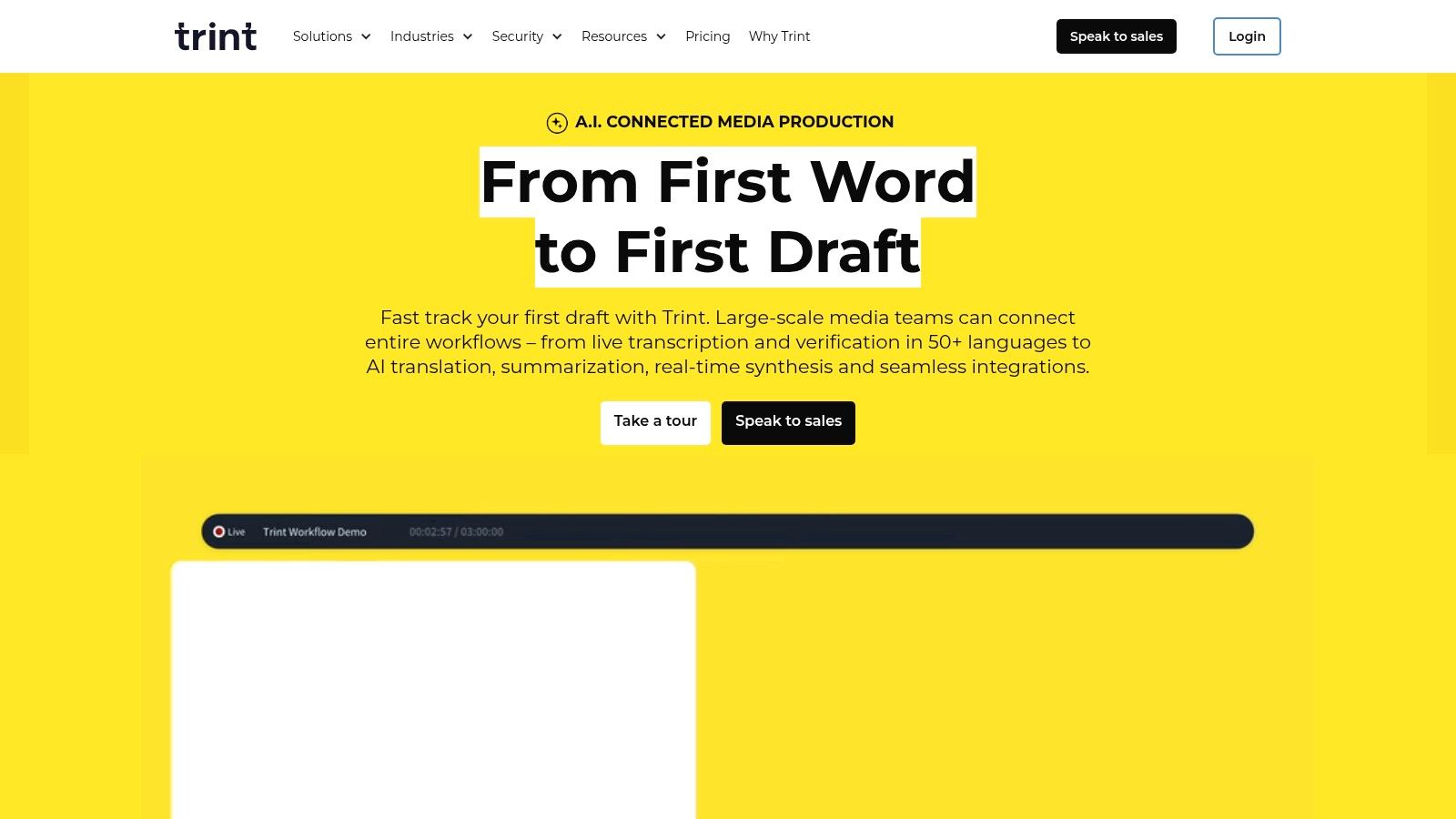
Its searchable browser editor suits teams reviewing the same recording together. A producer can find a quote, an editor can check context, and a researcher can work from the same transcript instead of maintaining separate copies. That collaborative layer is the product, not just the initial transcription.
Dialect labels don't solve dialect bias by themselves. The Google Research dialect bias benchmark covering 10 Spanish and French varieties used a 20-hour, gender-balanced corpus and seven models, and the models generally favored European French. Test Trint on your actual Québec, Belgian, Swiss, or African French speakers.
Occasional users may find Trint more than they need, and a trial isn't ongoing free transcription. Pay for it when several people will search, correct, and build stories from the same material.
8. VEED
Choose VEED when the transcript is a step toward a finished video. You transcribe French audio or video in the browser, edit subtitles, style the video, and use the French-to-English translation workflow without switching tools. Creators publishing to social platforms get the clearest benefit.
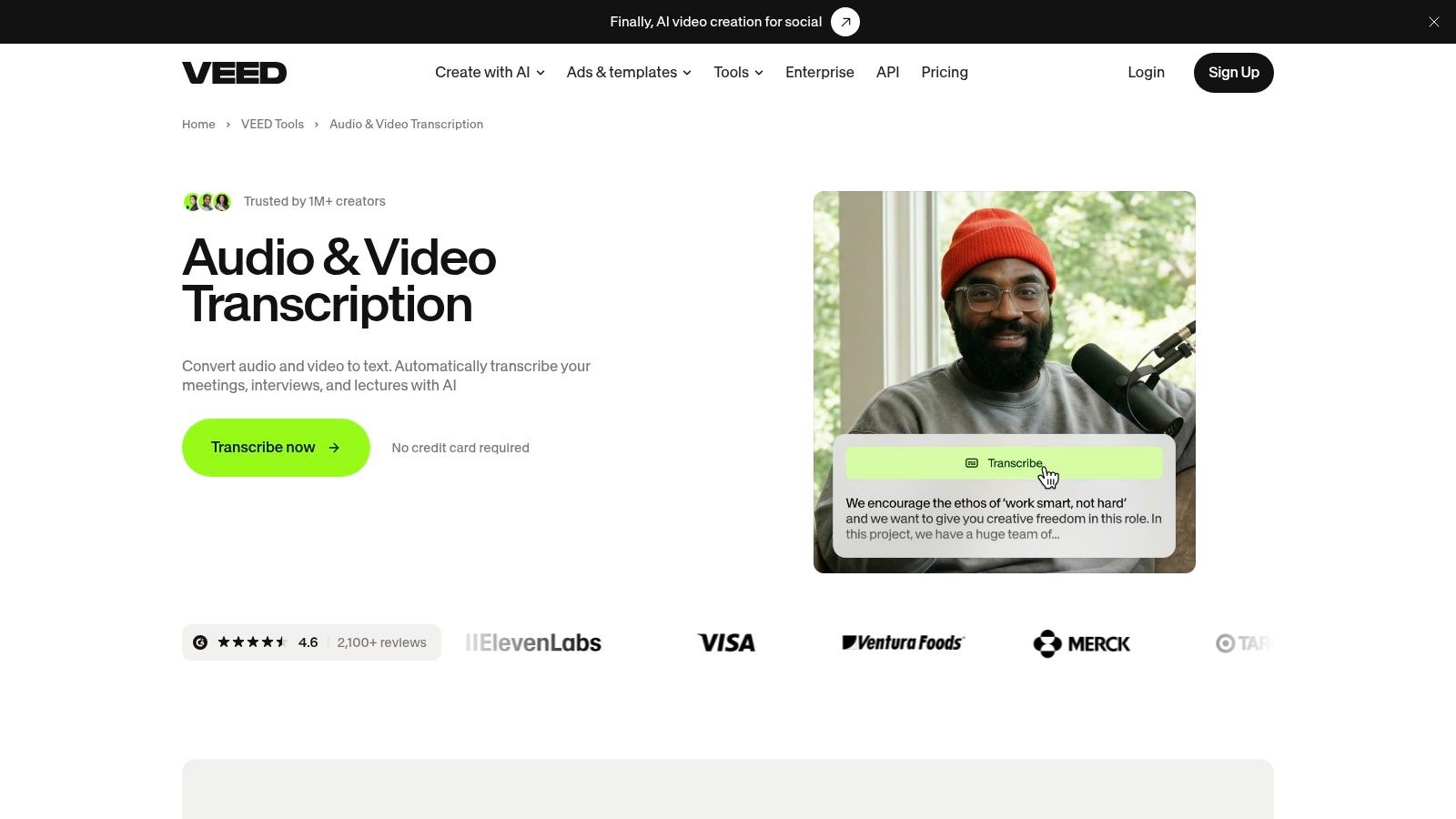
No installation is a real convenience for shared machines and quick jobs. Browser recording also helps if you produce short explainers and want captions immediately. The limits sit inside the plan, so check download and usage allowances before a launch week fills your queue.
The weakness is focus. If you only need text for a thesis, legal file, or research archive, the video editor is extra surface area. You'll spend time navigating tools built for styling and export rather than correction and citation.
Creators comparing caption-first products can review the Blitzcut AI Captions and Video Transcription listing alongside VEED. Pick VEED when captions, translation, and video finishing happen in one sitting.
9. Otter.ai
For the Monday team meeting, Otter.ai is the direct option. It can record or join online meetings, identify speakers, and produce searchable notes and summaries in French alongside several other languages. You get a record of decisions without assigning one person to type while everyone talks.
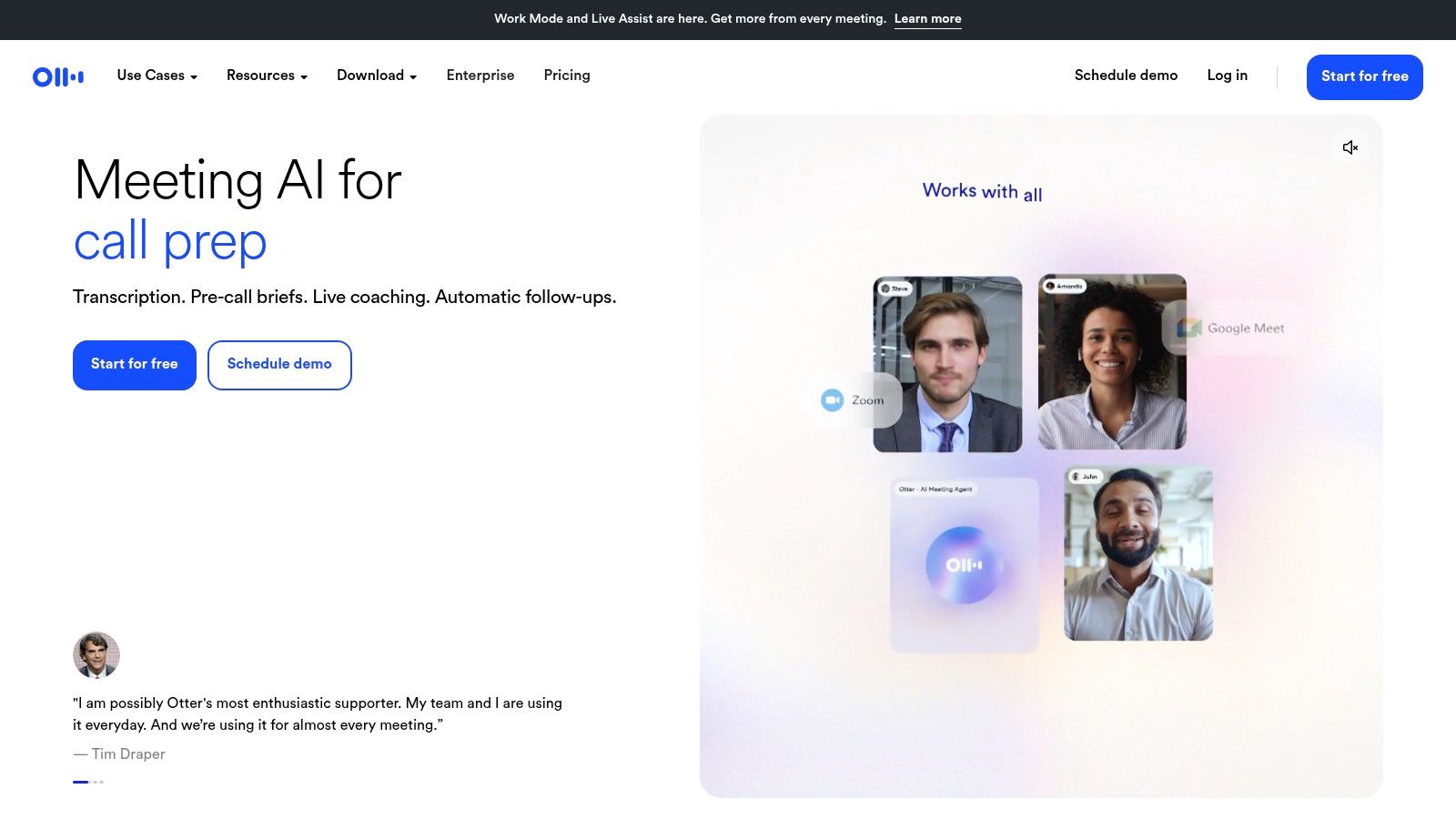
Recurring calls are where it pays off. The same team, the same vocabulary, and the same follow-up format make summaries more useful week after week. The free tier lets you test whether your team will read those notes.
Don't assume every feature supports French the same way. Language availability can depend on the specific feature, so test live capture, uploads, and summaries separately. Names and technical vocabulary still need checking before you copy an action item into a client email.
Otter.ai is weaker for polished captions and publication-ready transcripts. It's built to help a team remember and act, not to finish subtitles. If your deliverable is a video file or a verbatim research record, choose a tool designed for that output.
10. MacWhisper
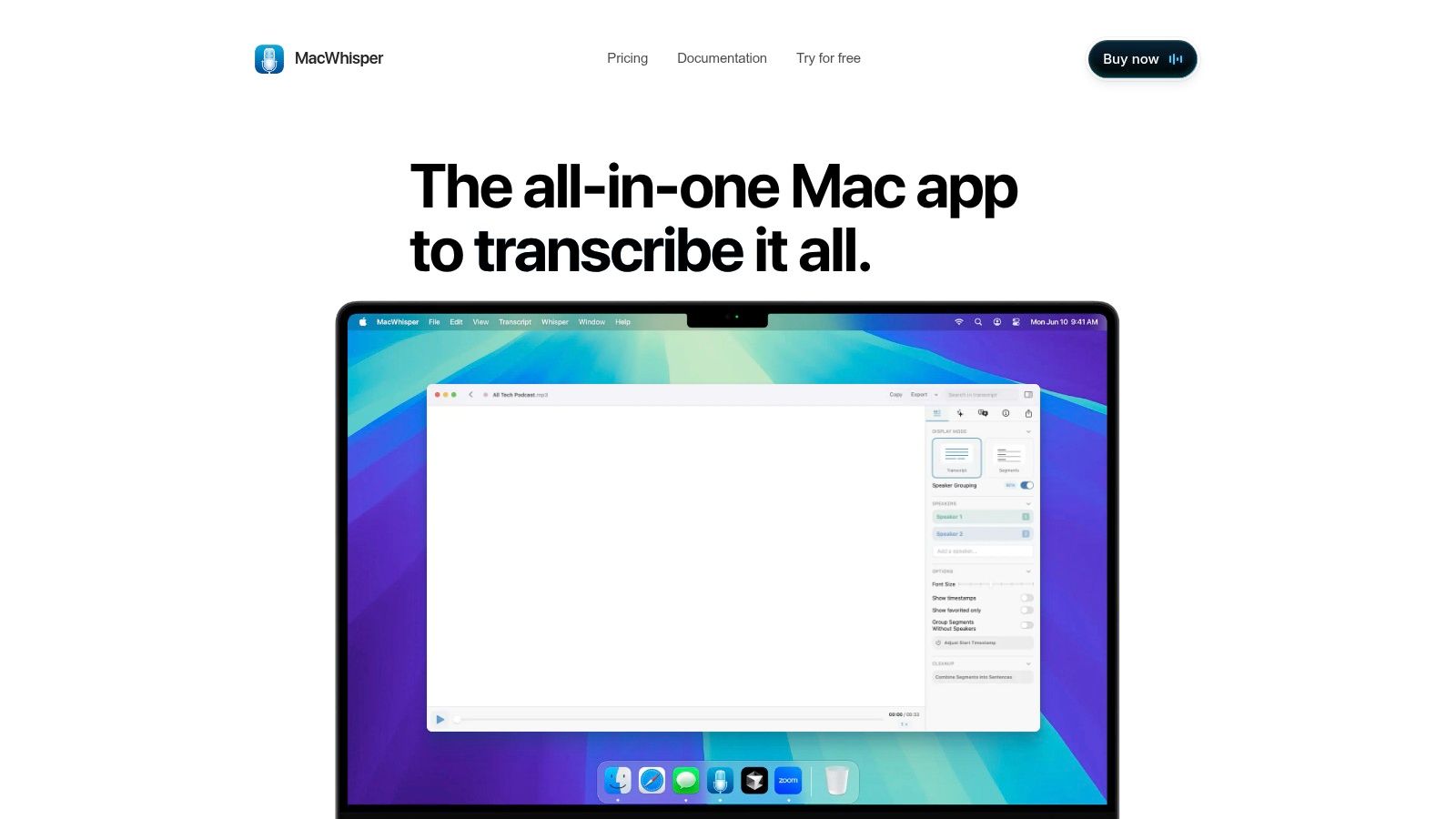
MacWhisper is the privacy-conscious outlier. This macOS app transcribes French through Whisper-based models, and its local-processing options can keep recordings off a web service. A sensitive interview never has to leave your Mac.
That distinction matters in regulated work. The global speech and voice recognition forecast estimates France's speech-and-voice-recognition market at $310.5 million in 2025, projected to reach $688.3 million by 2030. Growth doesn't answer your retention question. Local processing does, at least for the upload step.
The Pro license is a one-time purchase, and Pro features include batch processing and speaker-related tools. Exports cover subtitle and text formats for repeated file work. Smaller local tools sit in the same Whisper family, such as the Whisperer project on IndieHunt.
Your hardware sets the ceiling. Larger models run slowly on an older Mac, and Windows-first teams are excluded entirely. Pick MacWhisper when privacy and predictable cost matter more than collaboration.
11. Rev
Rev belongs on this list for the jobs automation shouldn't finish alone. Its human transcription service and global subtitle workflows give you human attention when a wrong name, clause, or medical term carries real cost. Difficult audio with overlapping French speakers is exactly where that premium can be rational.
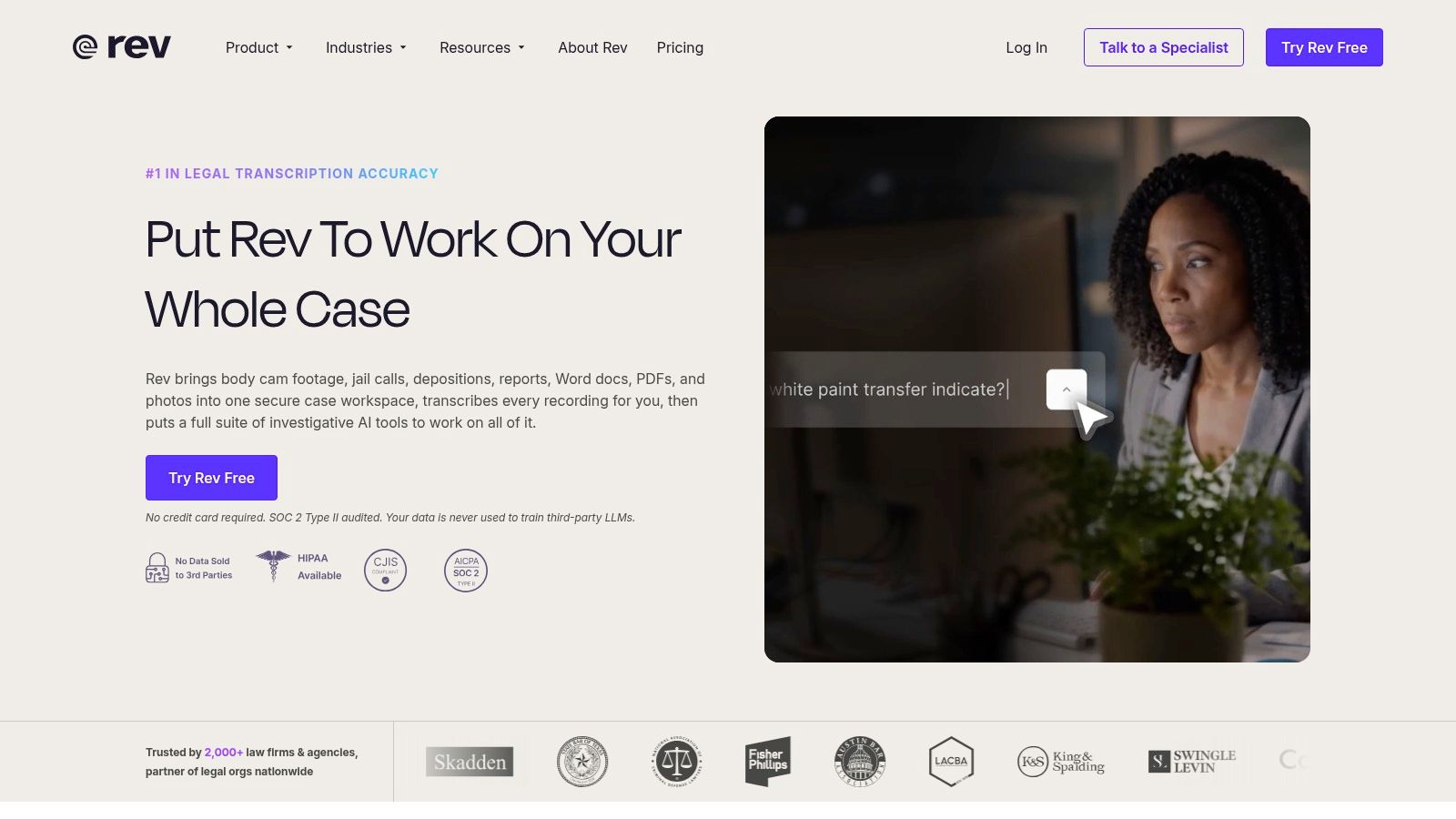
Read the service boundaries carefully. French is available for global subtitle orders and human transcription-related services, but you shouldn't assume the consumer AI transcription product supports French. Confirm the exact service before you budget a project around it.
Cost is the constraint. Human services cost much more than automated tools, and subtitle pricing is per video minute, so long recordings add up quickly. Rush and premium options for eligible human services raise the bill further.
Use Rev selectively. Send the deposition, the broadcast interview, or the subtitle file that must be right. Keep routine meetings and searchable drafts in an automated tool, then spend human money only where an error would survive correction and cause harm.
How the 11 French transcription tools differ by workflow, pricing model, and best fit
Automated tools dominate this list; Rev is the human option. Read the workflow column first, then check whether the pricing model charges for seats, minutes, or human time.
| Item | Primary workflow | Pricing model | Best fit |
|---|---|---|---|
| WhisperAI.com | Transcribe and translate audio or video, with live meeting notes, speaker labels, and exports | Seat-based business billing; unlimited transcription on Pro and higher tiers | Teams needing high-volume transcription, large-file support, or multilingual workflows |
| Happy Scribe | Transcription, translation, and subtitle editing with optional human proofreading | AI minutes are plan-limited; extra usage and human review cost more | Creators and teams needing transcripts, subtitles, or reviewed output in one service |
| Sonix | Transcribe and translate recorded audio or video, then edit transcripts and subtitles | Pay-as-you-go or monthly plans | Users who mainly process recordings and want flexible usage options |
| Descript | Edit audio and video by editing their linked transcripts | Free access available; plan limits apply | Podcasters and video creators who want transcription integrated into production |
| Transkriptor | Transcribe uploads and meetings, with summaries, editing, and mobile access | Plan-based minute allowances; unused monthly minutes expire | Users who want one tool for recordings and routine meeting notes |
| Notta | Transcribe meetings, recordings, and uploads in French and other languages | Limited free access; plan-based allowances for ongoing use | Teams needing searchable meeting transcripts and multilingual workflows |
| Trint | Review, search, and collaboratively edit French or French Canadian transcripts | Trial available; ongoing use is plan-based | Editorial teams working together on recorded material |
| VEED | Transcribe audio or video, edit subtitles, and continue into video production | Plan-based usage and download limits | Video creators who need captions, translation, and editing in one browser tool |
| Otter.ai | Capture and transcribe live meetings, then organize searchable notes and summaries | Free tier available; limits depend on the plan | Users who regularly need online meeting notes and transcripts |
| MacWhisper | Transcribe audio and video locally on Mac, with text and subtitle exports | Pro license available as a one-time purchase | Mac users who prefer local processing and recurring file transcription |
| Rev | Order human transcription or multilingual subtitles, with AI tools also available | Human services cost more; subtitle pricing is per video minute | Users who need human-reviewed transcripts or subtitles for important recordings |
The pattern that matters: live-meeting tools sell seats, file-based tools sell minutes, and Rev sells human attention per video minute. A Québec interview with regional accents, a Paris podcast, and a Monday team meeting each land in a different row.
Matching French Transcription Software to Your Recordings
Start with the recording, not the feature list. Sort your material into four piles before you trial anything. Live meetings, uploaded interviews, video that needs captions, and records where errors carry real cost each point to different tools.
Dataset variety explains why one headline score misleads. The LeBenchmark evaluation framework reports 2,933 hours of French speech, including 1,626 hours of broadcast speech and only 124 hours of spontaneous speech. A model trained or tested mostly on read and broadcast audio can still struggle with your unscripted conversation.
Run a Test That Can Fail
Take a 10-minute sample from a real project. Include your speakers' accents, interruptions, names, numbers, and technical vocabulary. Don't use a clean sample you recorded alone at your desk, because every tool looks competent on that file.
Run the same sample through two or three candidates. Time how long correction takes, not how fast the draft appears. A cheaper transcript that needs forty minutes of fixes can cost more than a pricier one that needs ten.
- Names and entities: Count errors in people, places, companies, and products separately from ordinary words.
- Speaker labels: Check whether diarization survives interruptions and similar voices.
- Dialect words: Confirm the tool preserves regional French instead of normalizing it.
- Numbers and negations: Verify dates, prices, and words like not, never, and no longer.
Meaning matters more than a tidy error count. A 2025 Frontiers in Language Sciences study in Frontiers in Language Sciences tested French speech-recognition data comprising 199 examples from 10 speakers, and its meaning-preservation classifier achieved an ROC-AUC of approximately 0.89 on French examples. Use that idea practically. Ask whether each error changes what the speaker meant.
Practical rule: Buy for correction minutes per audio hour, not for the fastest first draft.
Learner and non-native speech need their own test. A 2025 study in Foreign Language Annals compared French ASR with human transcription using recordings from 15 French-language learners and 36 native French listeners. If your recordings include students, patients, customers, or colleagues speaking French as an additional language, include them in your sample.
For most mixed workloads, I recommend starting with WhisperAI.com for uploads, live meetings, custom vocabulary, and subtitle exports in one place. Choose Happy Scribe or Rev when human review is the deciding factor. Choose Otter.ai or Notta for recurring meetings, Descript or VEED for media production, Trint for collaborative editorial work across French varieties, and MacWhisper when recordings should stay on your Mac.
Pick your two closest candidates today and run the same difficult 10-minute French sample through both. Correct each transcript fully, note the minutes you spend, and subscribe only to the tool that gives you a usable record at the lowest total cost in money and correction time.

Launch on IndieHunt
Submit your product to get featured in the weekly launch and reach indie founders looking for new tools.
Submit your project