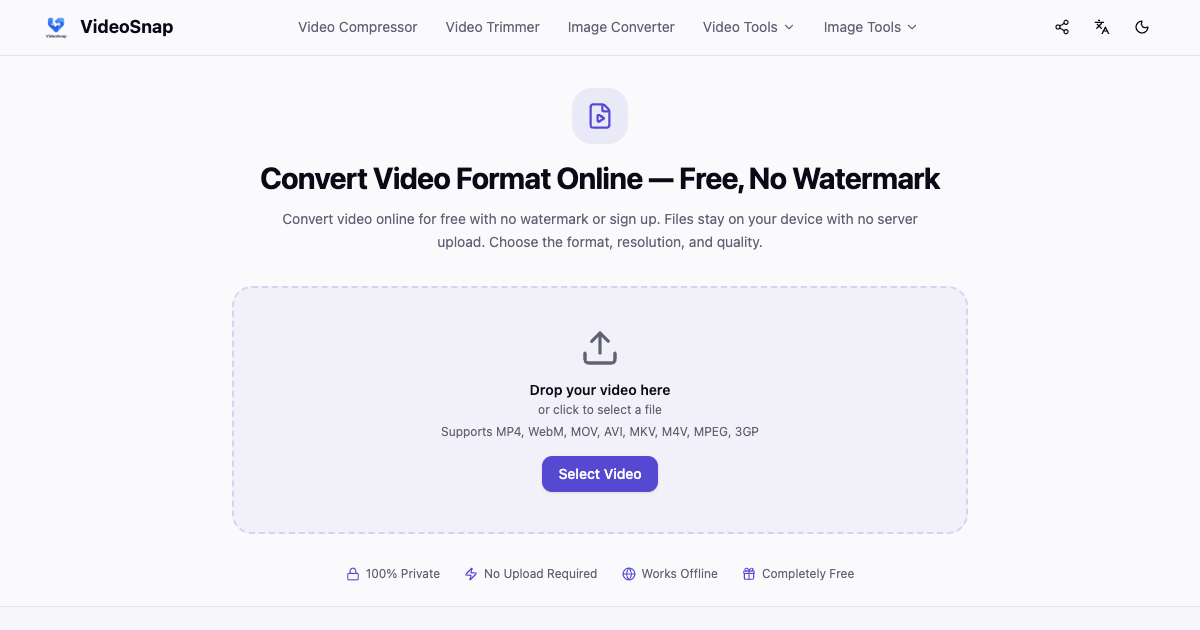
VideoSnap is a free online video conversion tool that allows users to convert videos without any watermarks, uploads, or sign-ups. It is designed for indie founders and small teams who need a simple and effective solution for changing video formats or extracting audio directly within their browsers.
What VideoSnap does
VideoSnap enables users to convert videos online by processing files directly on their devices. This means that the source files remain on the user's device, ensuring privacy and security. The tool supports various video formats and allows users to adjust output settings such as resolution and quality.
Who VideoSnap is for
VideoSnap is ideal for indie developers, content creators, and small teams looking for a hassle-free way to convert video files without the need for software installation or complex workflows. Users who require advanced features or batch processing capabilities may find VideoSnap insufficient for their needs.
Pricing & access
The pricing model for VideoSnap is not specified. Users can access the tool for free via the website, with no obligation to create an account or pay fees.
Key features
Convert videos online without uploading files or creating an account.
Supports eight different video formats including MP4, WebM, and AVI.
Allows users to extract audio from video files.
Enables adjustments to video resolution and quality based on user preferences.
Processes files directly in the browser, keeping user data secure.
Explore more developer tools tools on IndieHunt.
Quick answers
What is VideoSnap?
VideoSnap is an online video conversion tool that allows users to change video formats and extract audio without the need to upload files or sign up for an account. The tool processes all conversions directly in the user's browser, ensuring privacy and ease of use.
Who is VideoSnap for?
VideoSnap is specifically tailored for indie founders, content creators, and small teams who need a straightforward solution for video conversion. Those who require more advanced features or extensive batch processing may want to explore alternative options.
How does VideoSnap pricing work?
The pricing details for VideoSnap are not specified. Users can utilize the tool for free without any sign-up or payment requirements, making it accessible for anyone who needs video conversion capabilities.
Is VideoSnap worth trying for indie founders / small teams?
VideoSnap is worth trying for indie founders and small teams looking for a no-cost solution to convert video files quickly and easily. Its straightforward interface and lack of upload requirements make it a practical choice for users who prioritize efficiency and privacy in their workflows.